
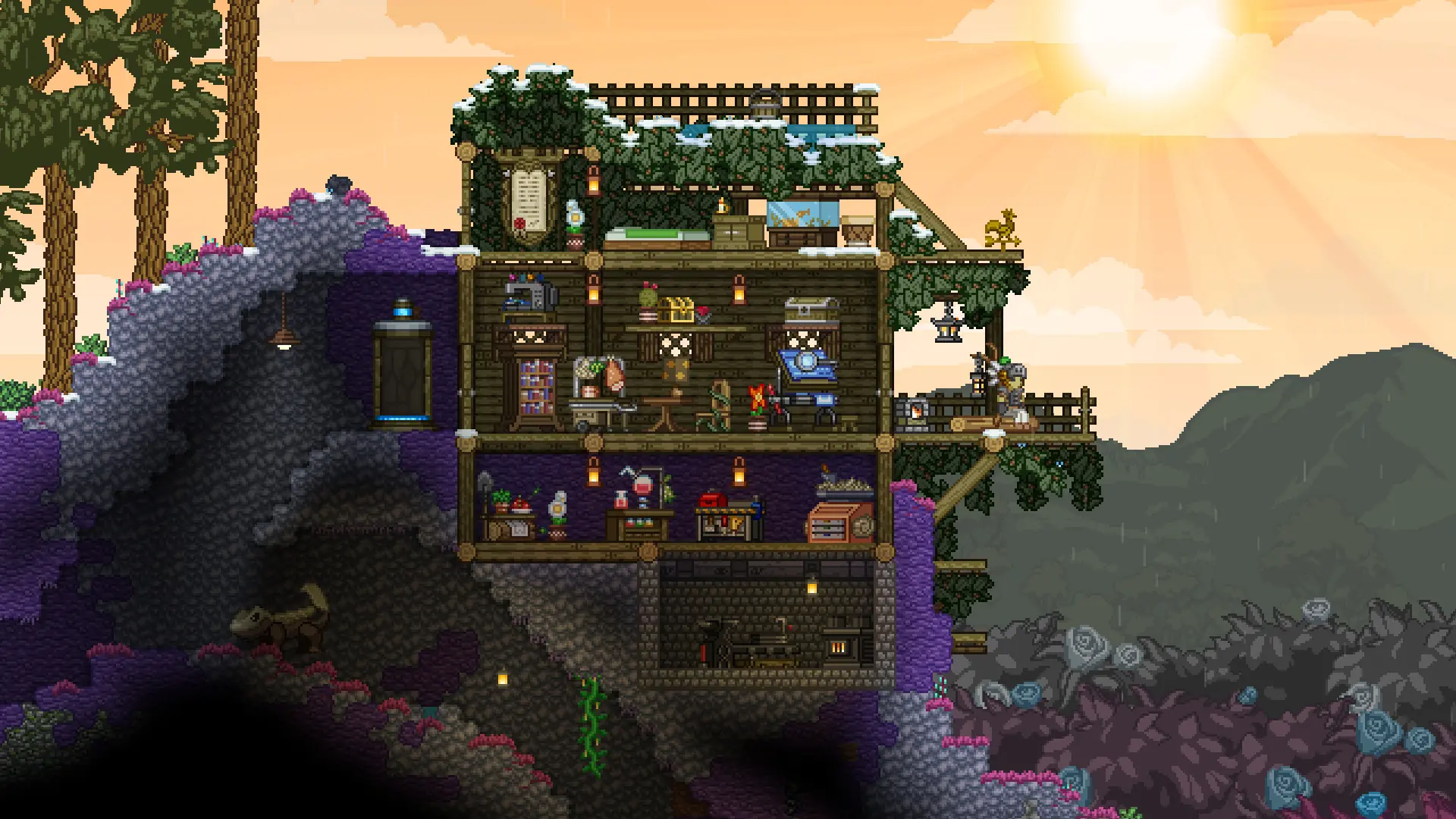
Here is how you can join your Starbound server. You need Starbound on PC, kept up to date, and the same mods as the server. See Workshop Mods and Install Mods for the mods your server runs.
Connecting With The IP Address
- 1Log in to Bropanel and select your Starbound server.
- 2Copy the server IP address and port from the
Overviewpage, for example123.45.67.89:21025. - 3Start Starbound and click
Join Gameon the main menu. - 4Pick the character you want to play, or create a new one.
- 5Enter the IP address (
123.45.67.89) in the address field and the port (21025) in the port field. - 6
- 7Click
Join Server.
Starbound remembers the last server you joined, so next time the details are already filled in.
Note
If the game says Anonymous connections disallowed, the server only lets in players with an account. Ask the server owner for an account name and password, and enter them in Account and Password.