
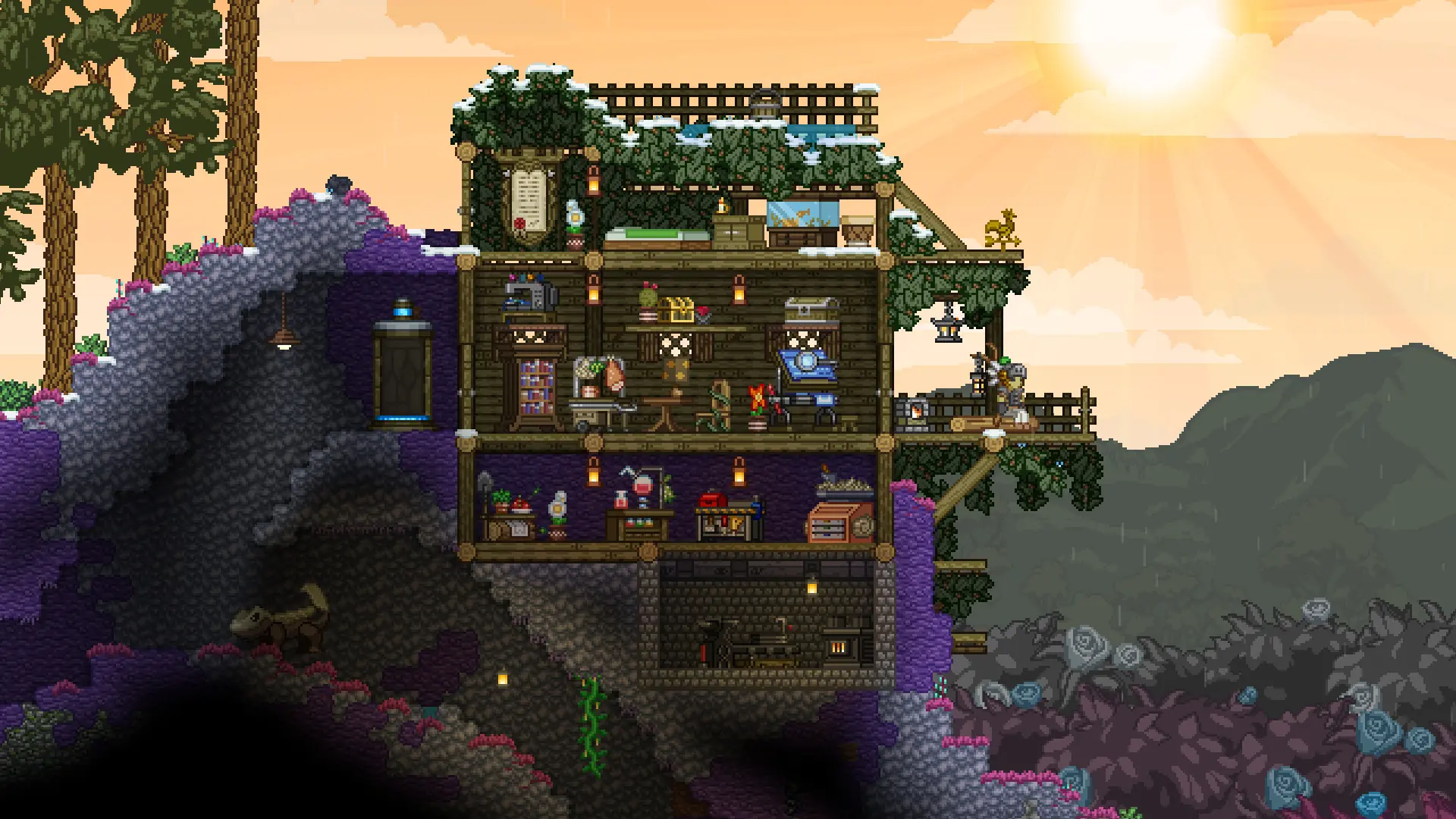
Your Starbound server lets 8 players join at once by default. Here is how to change that.
Setting Max Players
- 1Log in to Bropanel and
Stopyour server. - 2In the sidebar, go to
Files. - 3Open the
storagefolder and openstarbound_server.config. - 4Find the
maxPlayersline and change the number. - 5Save the file and start your server.
"maxPlayers" : 8,
Note
Keep the comma at the end of the line. If the file has a mistake, your server won't start and the console shows the line to fix.