
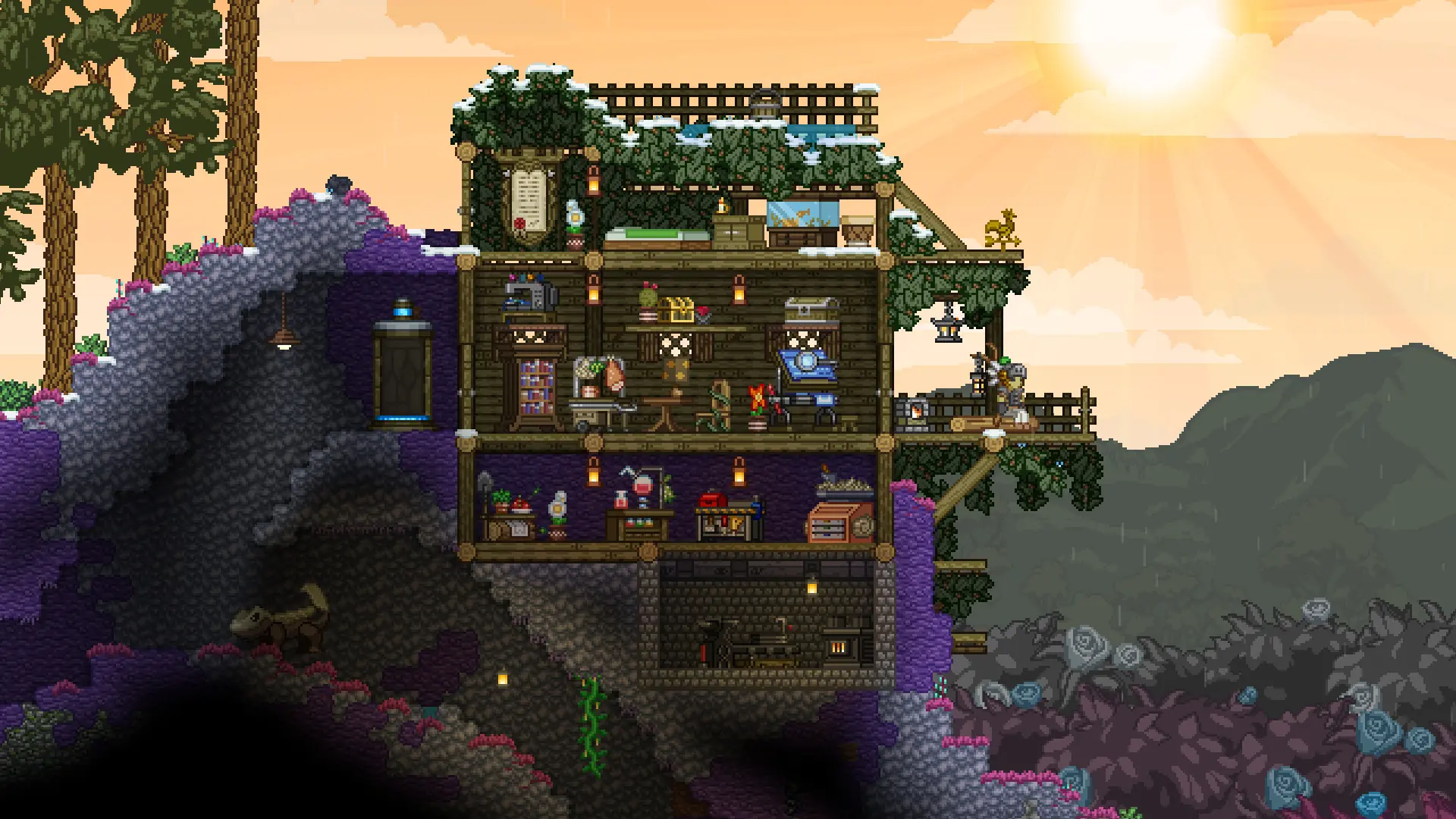
Want to start over on your Starbound server? Here are two ways to reset it.
Starting A New Universe
This deletes the planets and star systems saved on the server and keeps your settings and mods.
- 1Log in to Bropanel and
Stopyour server. - 2In the sidebar, go to
Files. - 3Open the
storagefolder and delete theuniversefolder. - 4Start your server.
Characters and their ships are saved on each player's own computer, so players keep them, along with everything stored on their ships. Anything built or left on planets is gone.
Resetting Everything
This deletes all files on your server, including the universe, uploaded mods and your config file, and resets your Settings to the defaults.
- 1Log in to Bropanel and select your server.
- 2In the sidebar, go to
Settingsand clickReinstallin the top-right. - 3Select
Format and reset, then confirm and wait for the install to finish.
Caution
Both resets can't be undone. Download a backup first if you might want your universe back.