
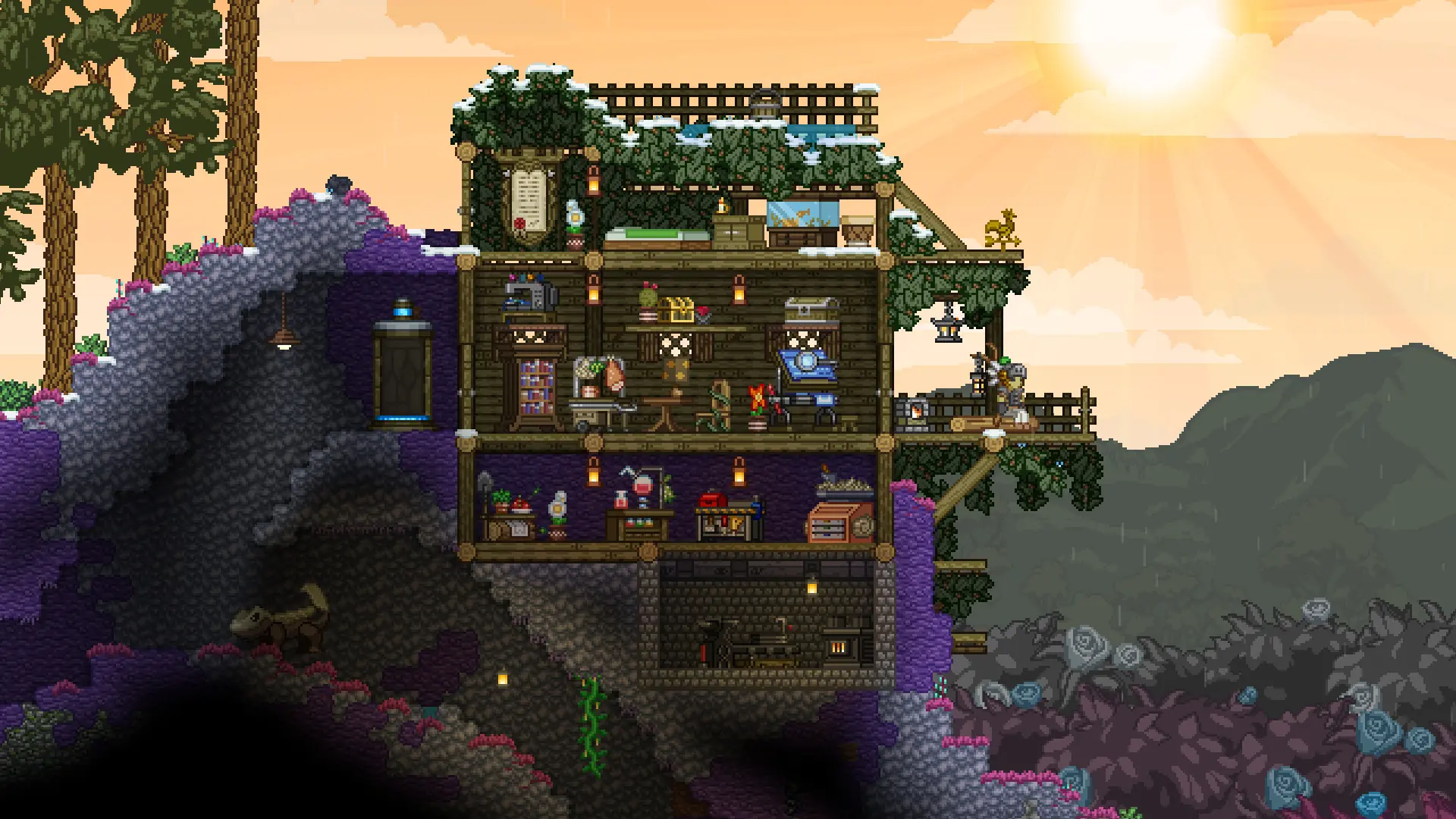
In this guide we will show you how you can install both Steam Workshop mods and uploaded mods on your Starbound server.
Steam Workshop Mods Recommended
The easiest way to install mods is to list their Workshop IDs in the panel. Your server downloads them from Steam and, with Auto Update on, keeps them updated. See Workshop Mods.
Uploading Mods
For mods that are not on the Steam Workshop, upload their .pak file to your server.
- 1Log in to Bropanel and
Stopyour server. - 2In the sidebar, go to
Files. - 3
- 4Start your server.
A mod that comes as a folder instead of a .pak file goes in the mods folder as a whole folder.
To remove an uploaded mod, Stop your server, delete its file from the mods folder, and start your server.
Caution
Players need the same mods as your server, or they may see missing items or crash. Give them the same .pak files to put in the mods folder of their own Starbound install.