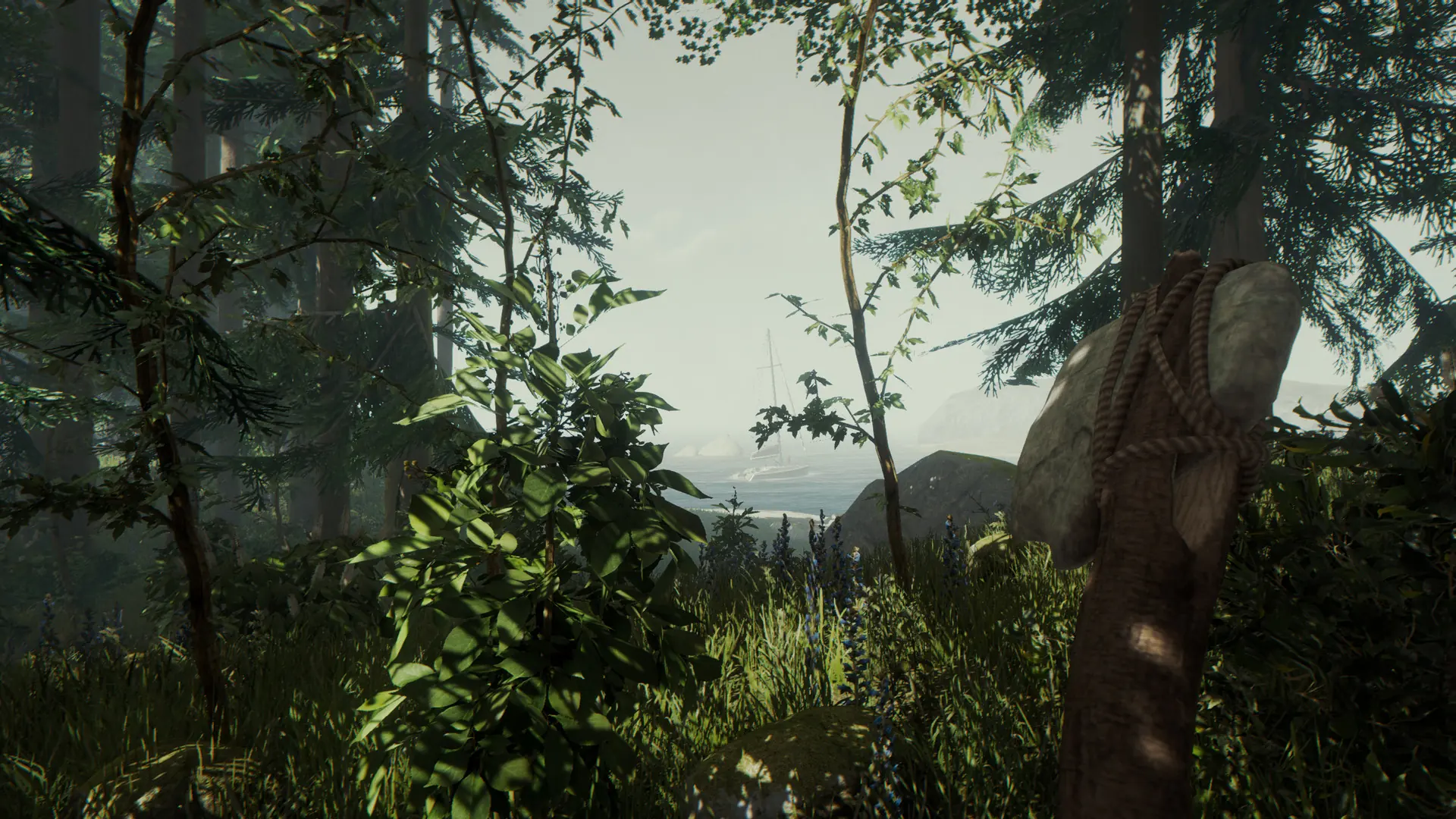

Host your own The Forest server with Game Host Bros and run a shared world for your friends to join. These guides cover everything you can set up yourself in Bropanel, plus the in-game admin and console commands.
Before You Start: Create A GSLT
The Forest needs a Steam Game Server Login Token (GSLT) before anyone can connect, and the server needs it to save player progress. Create one using App ID 242760, then paste it into Steam Account Token under Settings. Each server needs its own token. Follow the Create GSLT guide first.
What These Guides Cover
Every setting for The Forest is built into Bropanel under Settings. Change a value, click Save & Restart, and it's applied. The guides below cover:
- Getting connected: find your server under
Multiplayer → Join Game → Dedicated (Internet)by searching its name. See Connect to Your Server and Server Password. - Server settings: the full settings list in Configure Your Server, including FPS, autosave interval, VAC, and PvP damage.
- Gameplay: choose Peaceful, Normal, Hard, or HardSurvival in Change Difficulty, turn on Vegan or Vegetarian Mode in Disable Enemies, and toggle Building Destruction and Tree Regrowth.
- Admins and commands: use your
Admin Passwordto get chat commands like/kick,/ban, and/savein Adding Admins, or enableAllow Cheatsfor the developer console in Console Commands. - Saves: bring a local save over with Upload Save, or start completely fresh with Reset Server.
Common Setup Tasks
If you've just ordered your server, these are the usual first steps:
- Create your GSLT and add it to
Steam Account Token. - Set a
Server Nameso you can find your server in the list, and optionally aServer Password. - Pick your
Difficulty, and use Vegan or Vegetarian Mode if you want fewer enemies. - If you have an existing save, upload it and set
Save Slotto match. - Note your
Admin Password, clickSave & Restart, then connect using theAdmin Passwordto manage players.
If you get stuck at any time, reach out to a bro on Discord.