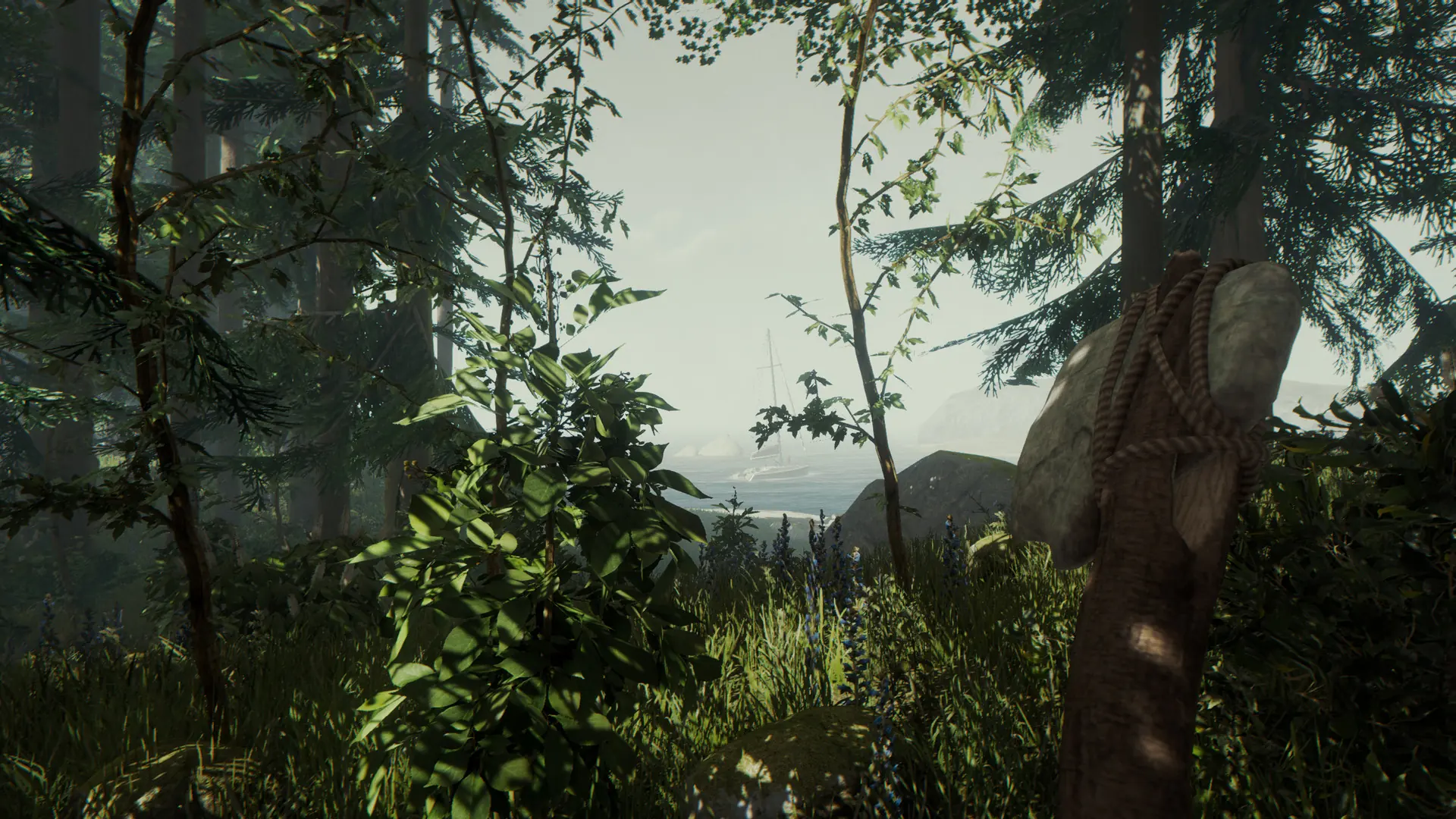
This guide will help you quickly connect to your The Forest server by searching for it in the in-game server browser.
Connecting To Your Server
Caution
Before proceeding, you MUST first do the following:
- Create a GSLT Token, this is required: Create GSLT Guide.
- Set a
Server Namein Bropanel underSettings, so you can find your server in the list.
- 1Open The Forest.
- 2From the main menu, select
Multiplayer → Join Game. - 3In the sidebar, select
Dedicated (Internet). - 4Search for your server's name, select it from the list, and press
Join.
Note
Join always starts a new character. Once you've joined a server, click Continue on the main menu for any future connections to keep playing as your existing character instead of starting over.
If you get stuck at any time, you can reach out to us on Discord.
