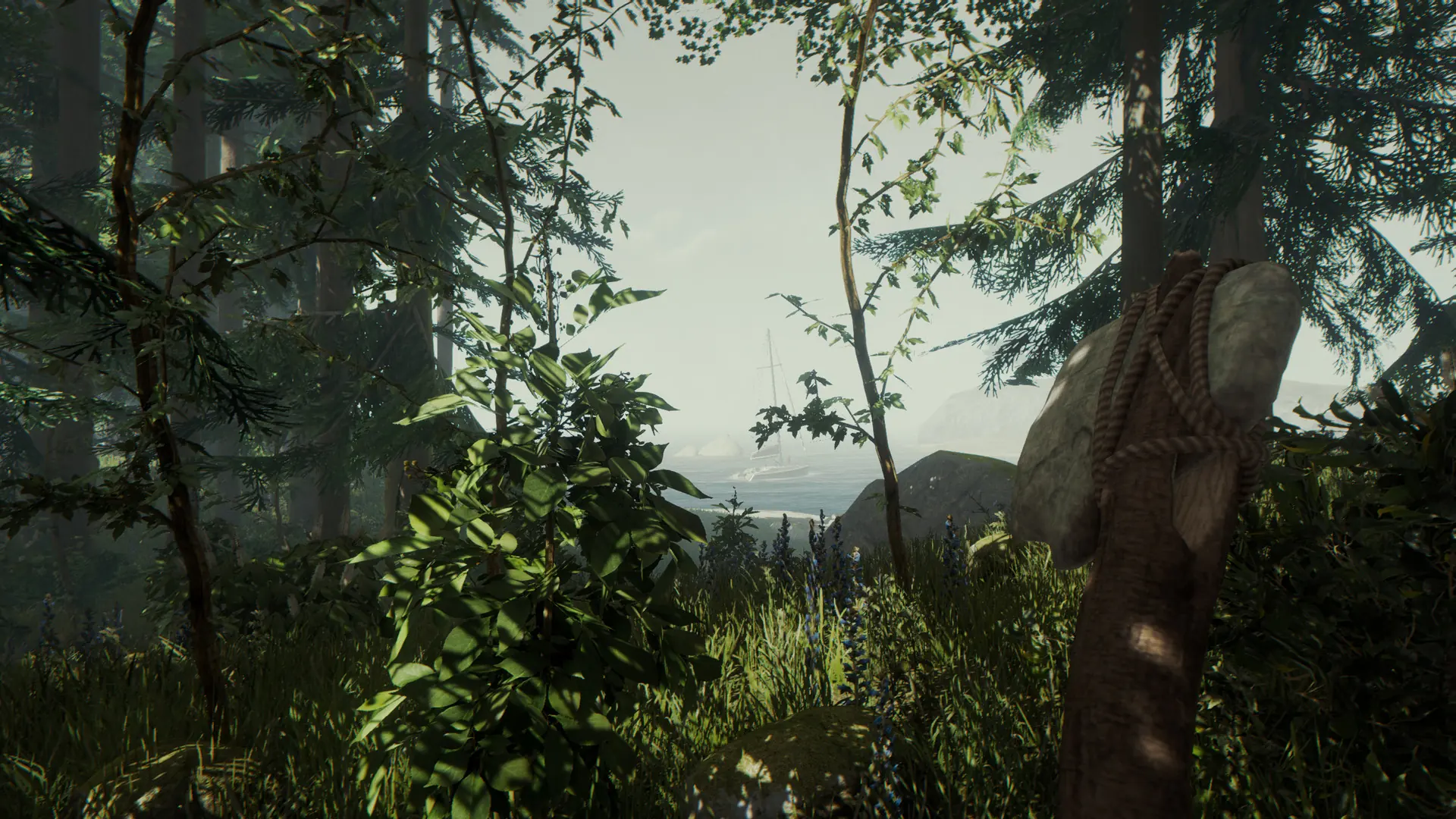
Vegan Mode removes cannibals and mutants from your world entirely, letting you build and explore without any combat. Vegetarian Mode is a middle ground: enemies only spawn at night, so daytime stays peaceful.
This is how to enable either mode on your The Forest server.
Disabling Enemies
- Log in to Bropanel and select your server.
- In the sidebar, go to
Settings. - Under
Gameplay, setVegan ModetoEnabledfor no enemies at all, orVegetarian ModetoEnabledfor enemies only at night. - Click
Save & Restartto apply your changes.