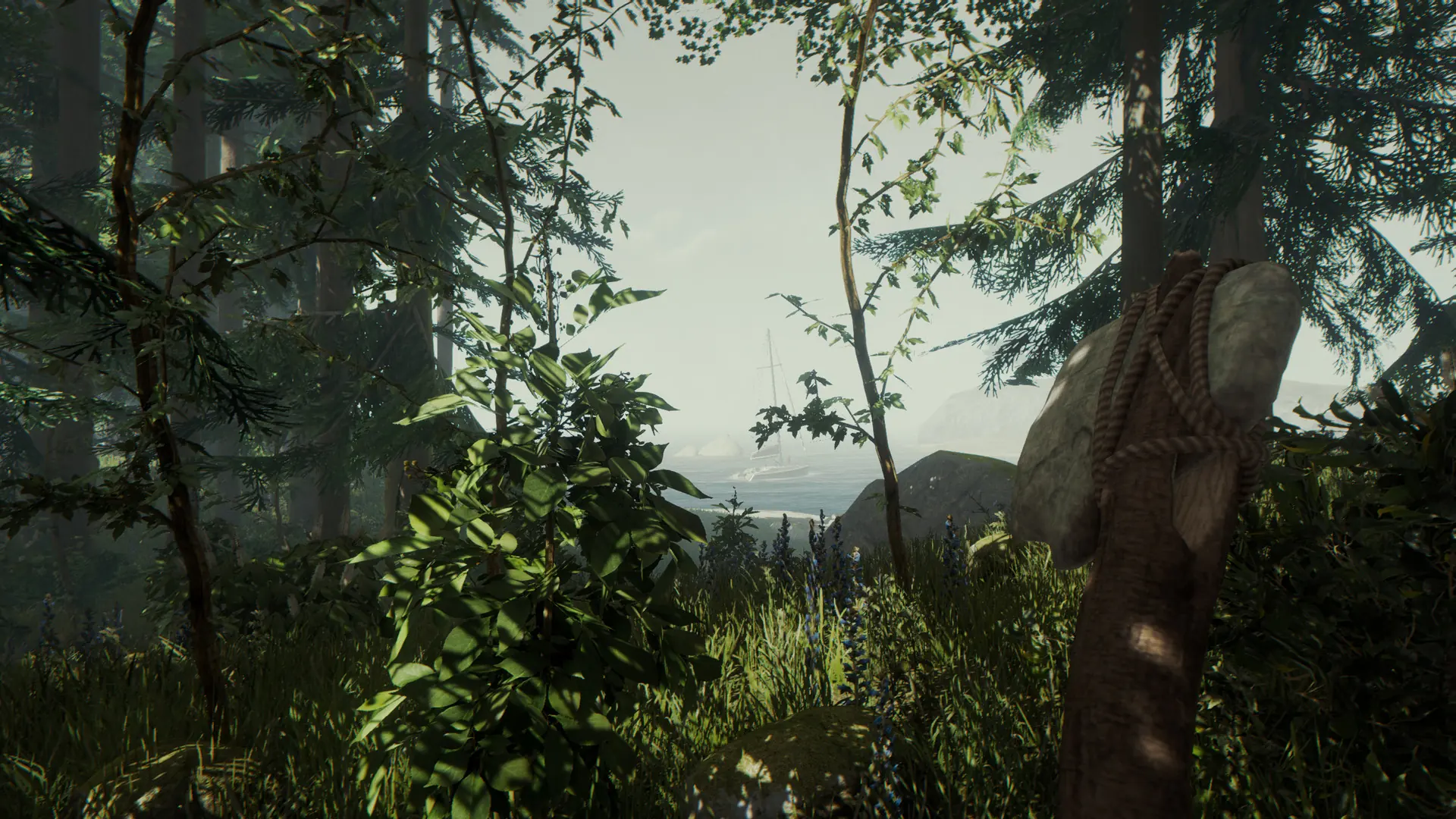
At Game Host Bros, we've integrated every The Forest setting directly into our game panel. Here's how to quickly and easily configure your The Forest server.
Configuring Your The Forest Server
- Log in to Bropanel and select your server.
- In the sidebar, go to
Settings. - Edit the settings you'd like to change.
- Click
Save & Restartto apply your changes.
The Forest Settings List
| Setting Name | Description |
|---|---|
| Active FPS | Target FPS while players are connected. |
| Admin Password | The password used to gain admin access in-game. See our Adding Admins guide. |
| Allow Cheats | Lets any player enable the in-game developer console. Not related to server admin status. See our Console Commands guide. |
| Autosave Interval | How often, in minutes, your server automatically saves. |
| Building Destruction | Allows your structures to be damaged and destroyed. |
| Difficulty | The overall game difficulty. Values: Peaceful, Normal, Hard, HardSurvival. See our Change Difficulty guide. |
| Enable VAC | Enables Valve Anti-Cheat on your server. Values: Enabled, Disabled |
| Enemies in Creative Mode | Allows enemies to spawn even on creative saves. |
| Idle FPS | Target FPS when no players are connected. Lower values use less CPU while your server is empty. |
| Init Type | Starts a brand new game, New or loads your existing save, Continue. |
| Realistic Player Damage | Uses full weapon damage when players attack each other. Makes PvP far more lethal. |
| Reset Structure Holes | Fills in any holes cut into structures with the hole cutter whenever a save is loaded. |
| Save Slot | The save slot your server uses. Values: 1-5. See our Upload Save guide to bring in an existing save. |
| Server Name | The name displayed in the server browser. |
| Server Password | Optional password to make your server private. Leave blank for a public server. |
| Show Event Log | Shows the event log in your server console. |
| Steam Account Token | Your Steam Game Server Login Token (GSLT), required before players can connect. See our Create GSLT guide. |
| Tree Regrowth | Regrows 10% of cut-down trees each time players sleep. |
| Vegan Mode | Removes all enemies from the game. See our Disable Enemies guide. |
| Vegetarian Mode | Enemies only spawn at night. See our Disable Enemies guide. |