
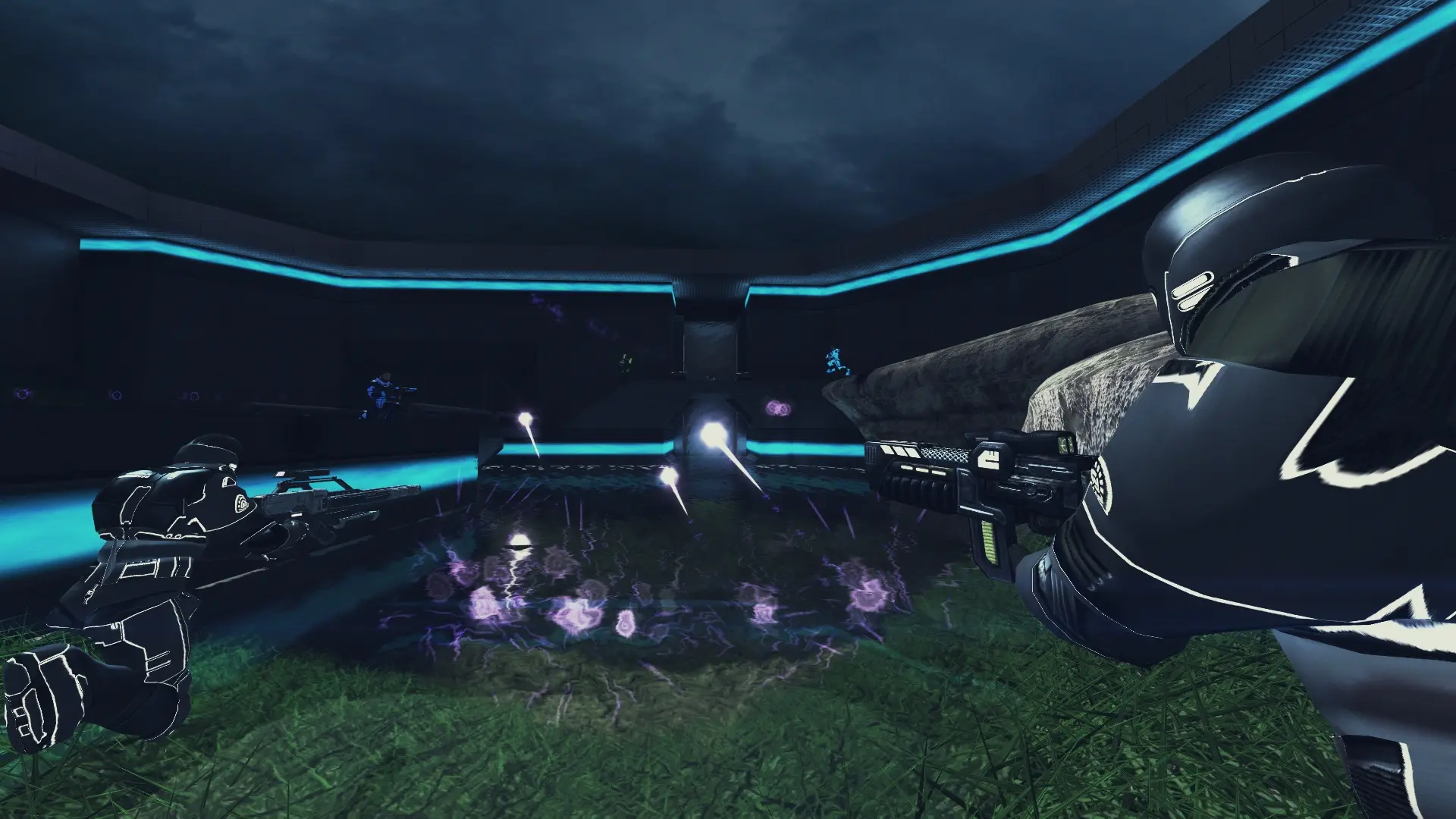
Your Xonotic server can run every game mode that comes with a map in the current release. The server only picks maps that support the mode you choose. Invasion isn't offered because the game ships no map for it.
| Game Mode | How it plays |
|---|---|
Deathmatch | Everyone for themselves, most frags wins |
Team Deathmatch | Deathmatch in teams |
Duel | One on one |
Capture the Flag | Steal the enemy flag and bring it home |
Clan Arena | Teams fight with every weapon and no pickups, one life per round |
Freeze Tag | Killed players freeze until a teammate thaws them |
Key Hunt | Teams collect keys and bring them together |
Domination | Hold control points to score |
Last Man Standing | Everyone has a set number of lives |
Keepaway | Hold the ball as long as you can |
Team Keepaway | Keepaway in teams |
Assault | One team attacks objectives, the other defends |
Onslaught | Capture control points to reach the enemy generator |
Race | Race laps through the map |
Complete the Stage | Run the map alone for the best time |
Nexball | Score goals with a ball, like football |
Mayhem | Everyone starts with most weapons and scores for damage dealt as well as frags |
Team Mayhem | Mayhem in teams |
Survival | Some players are secretly hunters, and everyone else must find and eliminate them before they are wiped out |
Changing The Game Mode
- 1Log in to Bropanel and select your server.
- 2In the sidebar, go to
Settings. - 3Under
Gameplay, changeGame Modeto the mode you want. - 4Click
Save & Restartto apply your changes.
To let players vote for a different mode after each match, see Game Mode Voting.