
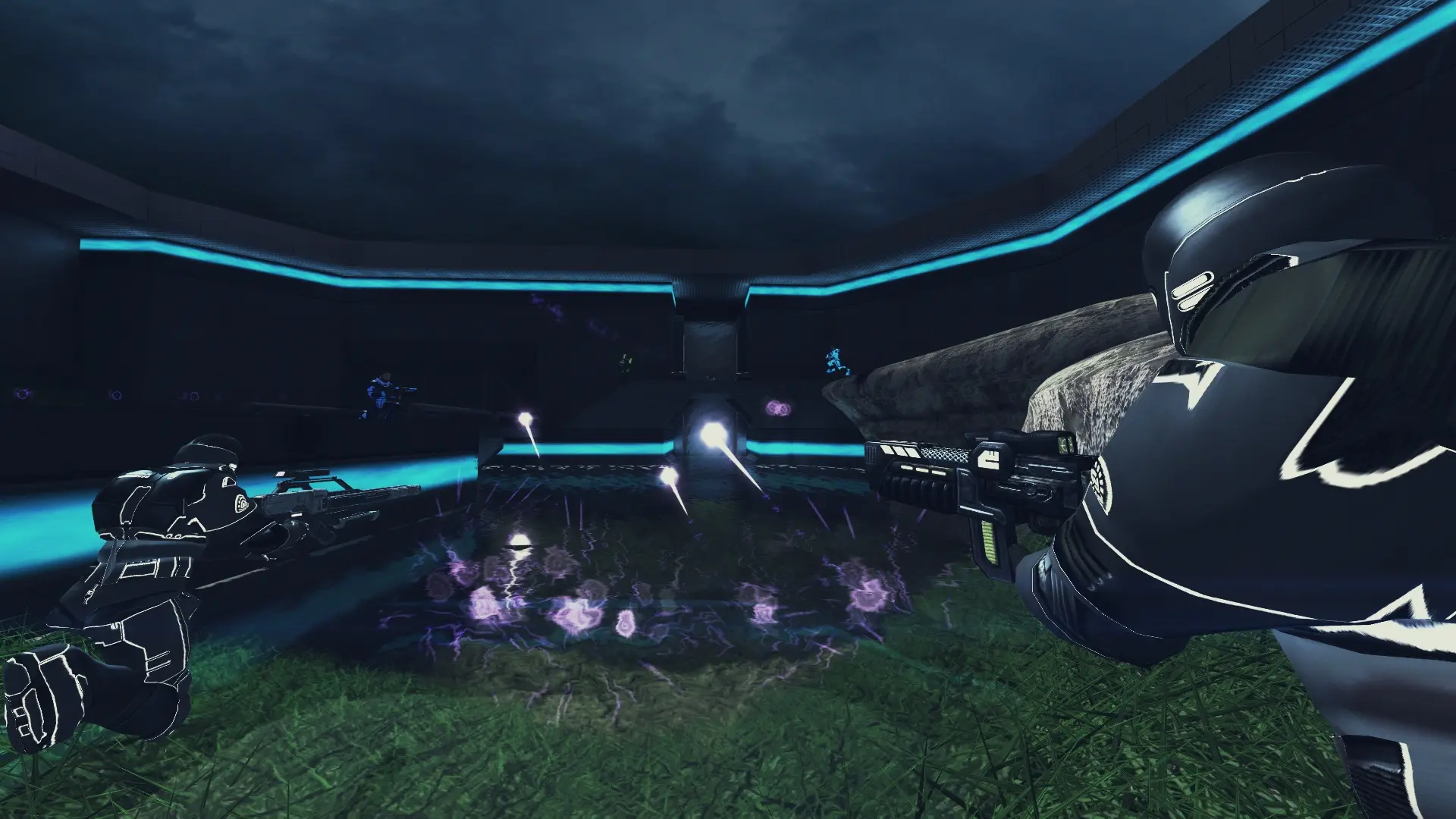
InstaGib gives every player the Vaporizer, which kills with one hit, and removes every other weapon and item. It works with any game mode.
Turning On InstaGib
- 1Log in to Bropanel and select your server.
- 2In the sidebar, go to
Settings. - 3Under
Gameplay, turn onInstaGib. - 4Click
Save & Restartto apply your changes.
Turn it off again the same way to go back to normal weapons.