
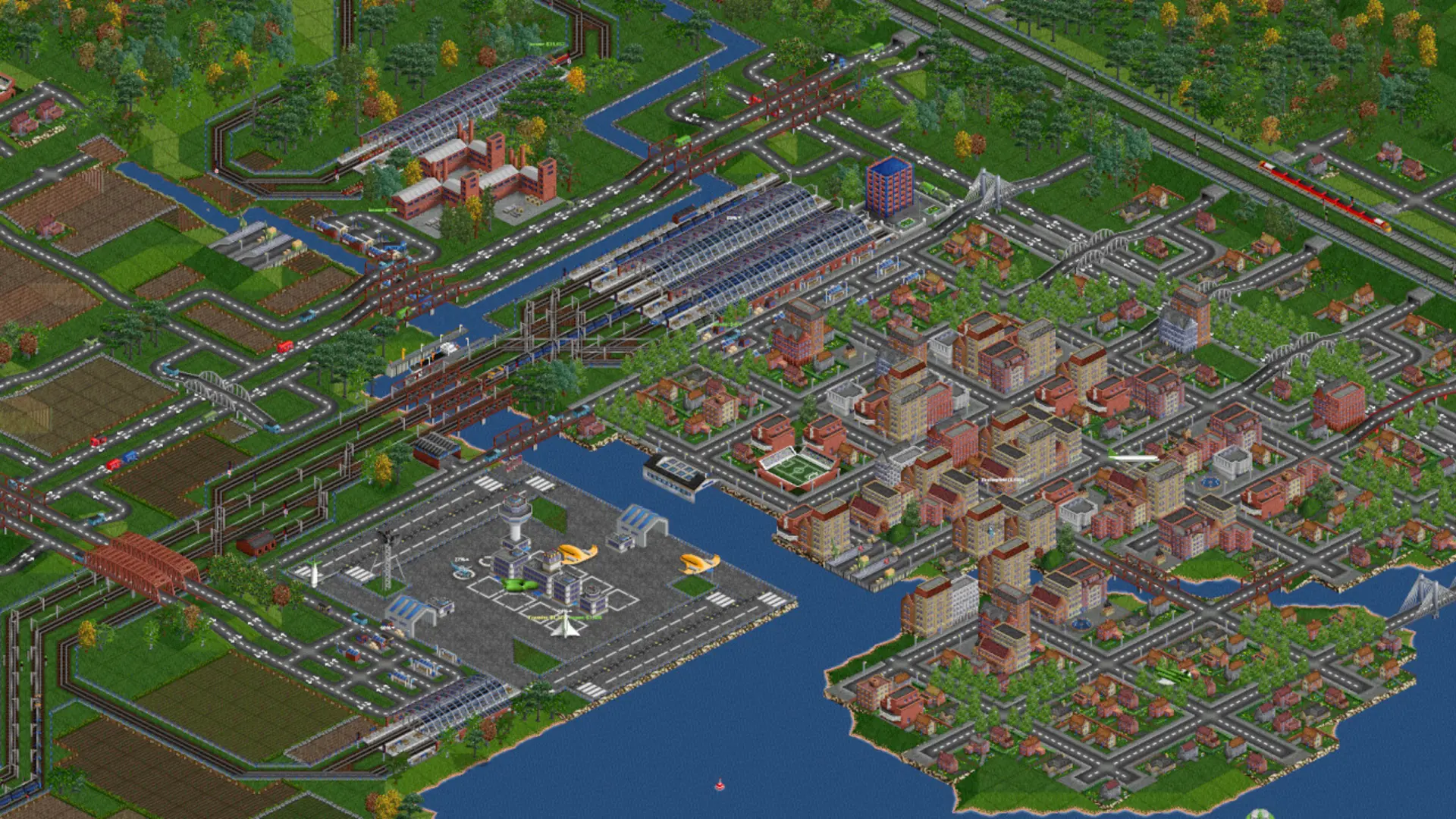
The climate decides the landscape, the industries and the vehicles of a new map.
| Climate | What you get |
|---|---|
Temperate | Green countryside with coal, oil, steel and goods. Default. |
Sub-arctic | Snowy hills where towns above the snow line need food to grow. |
Sub-tropical | Deserts and rainforest where desert towns need water and food. |
Toyland | A colourful world of sweets, toys and fizzy drinks. |
Changing The Climate
- 1Log in to Bropanel and select your server.
- 2In the sidebar, go to
Settings. - 3Under
Gameplay, choose aClimate. - 4Click
Save & Restartto apply your changes.
Note
The climate only applies when a new map starts. To use it now, see Starting A New Map.