
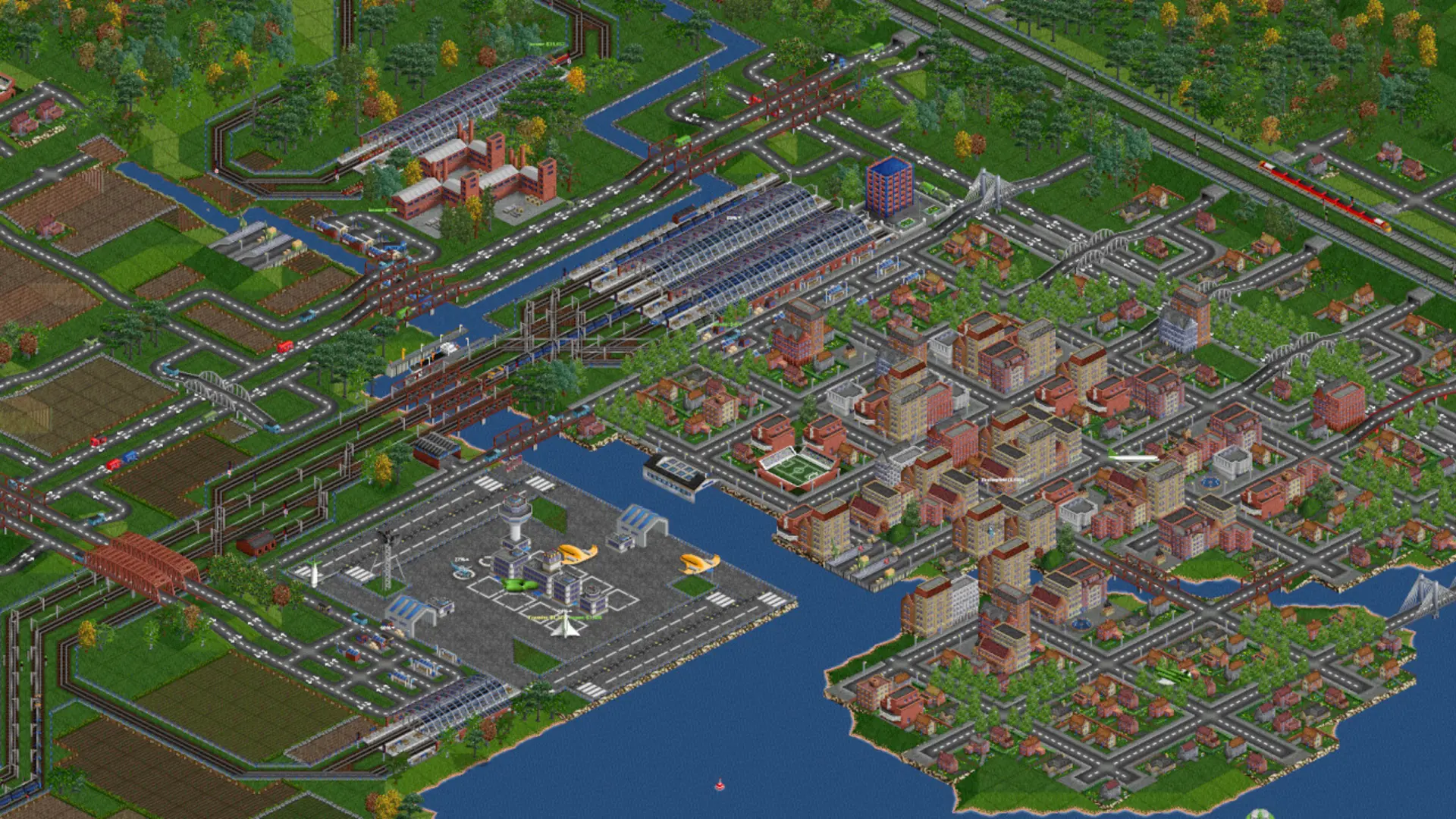
The starting year decides which vehicles, bridges and airports are available when a new map begins. The default is 1950. Start in the 1920s for steam trains and early buses, or after 2000 for maglevs and modern aircraft.
Changing The Starting Year
- 1Log in to Bropanel and select your server.
- 2In the sidebar, go to
Settings. - 3Under
Gameplay, editStarting Year. - 4Click
Save & Restartto apply your changes.
Note
The starting year only applies when a new map starts. To use it now, see Starting A New Map.