
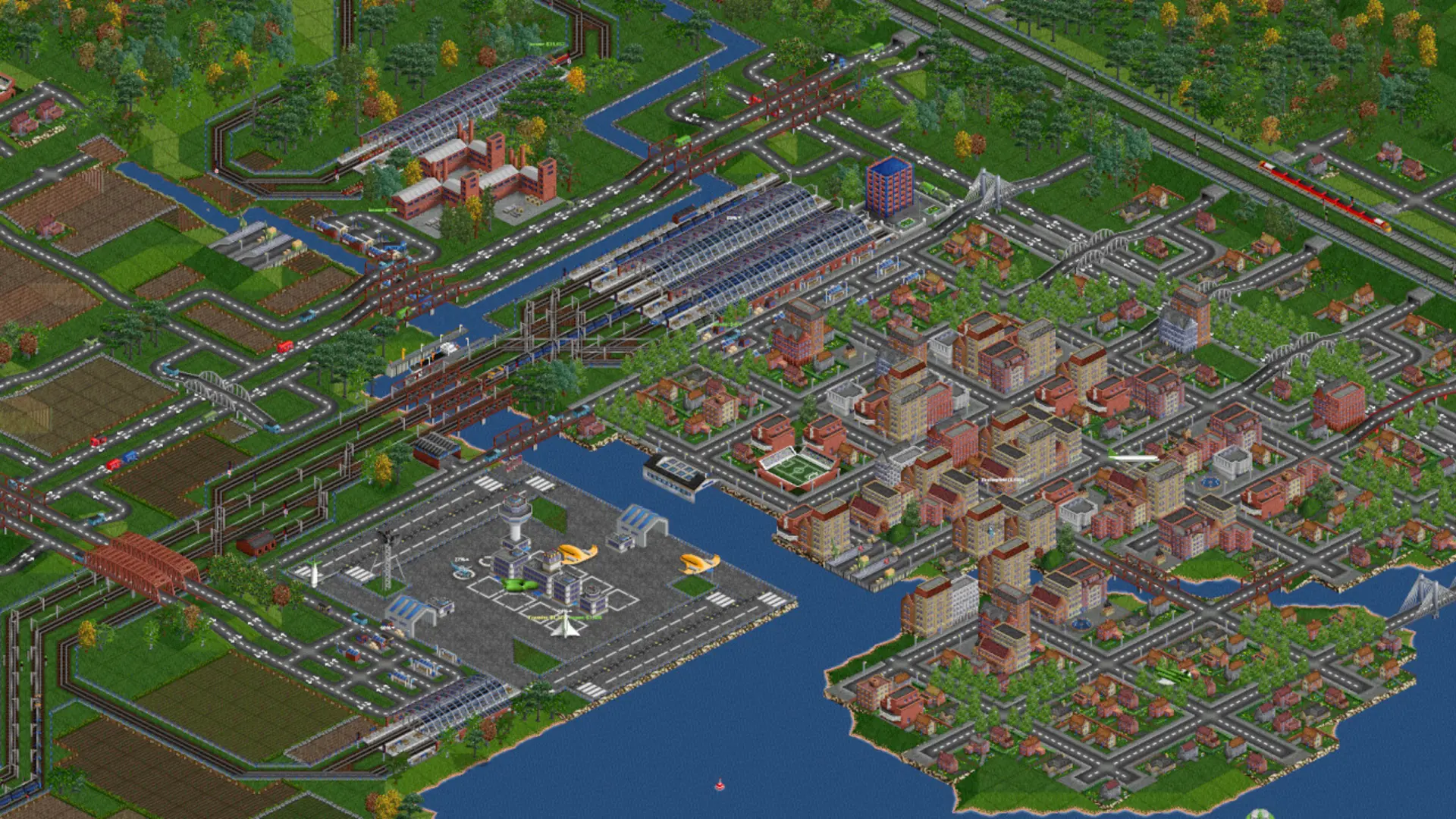
You can carry on a game you started on your own computer. OpenTTD keeps your saves in the save folder of your OpenTTD user folder, for example Documents/OpenTTD/save on Windows.
Uploading Your Save
- 1Log in to Bropanel and
Stopyour server. - 2In the sidebar, go to
Files. - 3
- 4Start your server.
The server loads the newest save, so your uploaded game starts next as long as Continue Last Game is on.
Note
If your save uses NewGRFs, upload those files to the newgrf folder first, or the server can't load the save. Players who don't have a NewGRF are offered to download it from OpenTTD's online content when it's available there.