
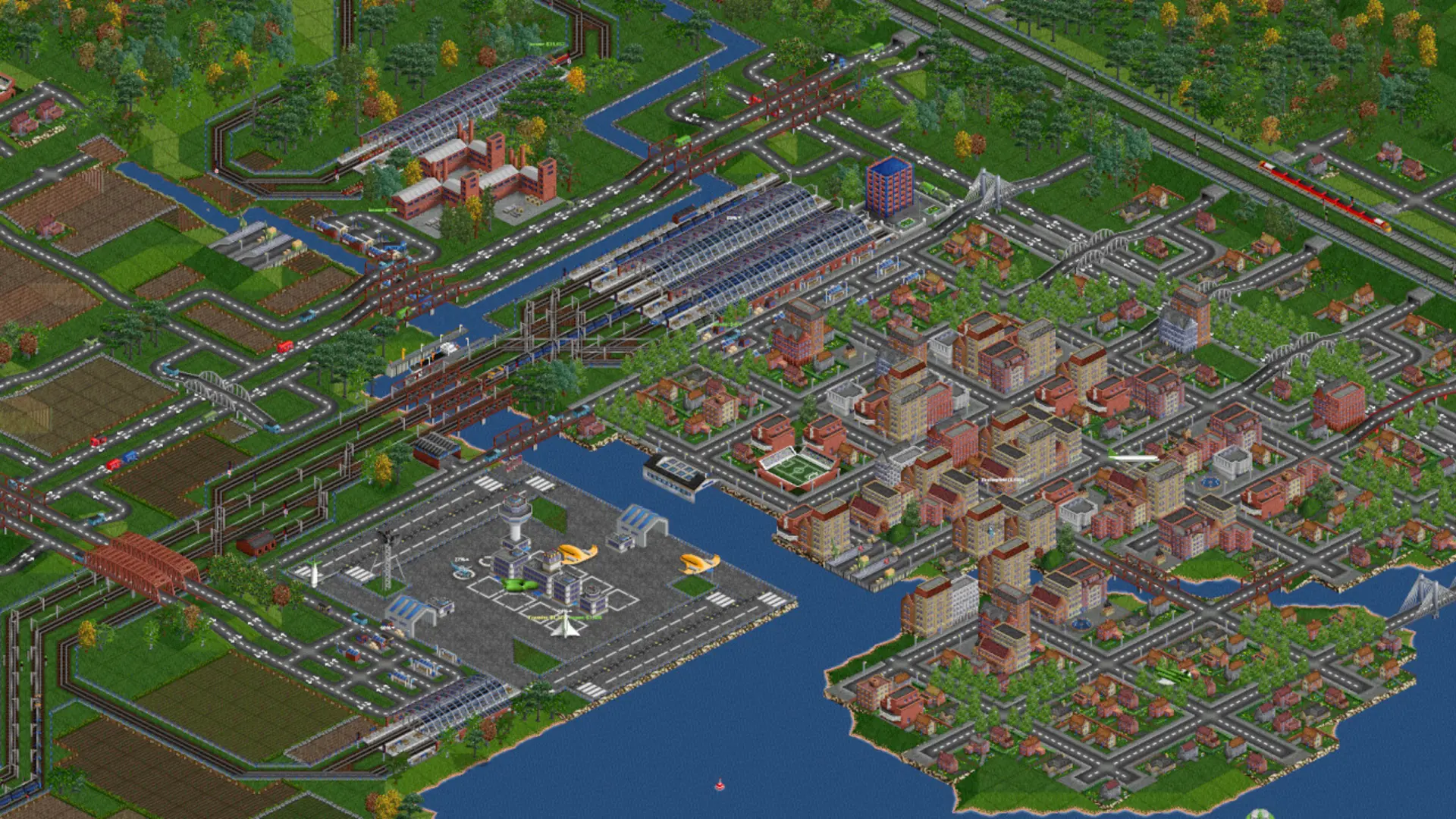
Your OpenTTD server saves the game when it stops and continues it when it starts again, so nothing is lost on a restart. This is the Continue Last Game setting, and it is on by default.
Starting A New Map
- 1Log in to Bropanel and select your server.
- 2In the sidebar, go to
Settings. - 3Under
Gameplay, disableContinue Last Game. Change the Climate, Map Size or Starting Year too if you like. - 4Click
Save & Restart. The server starts a brand new map. - 5Once the new map is running, enable
Continue Last Gameagain and clickSave & Restartso the new map is kept from then on.
Caution
While Continue Last Game is off, every restart starts another new map and the previous game is replaced. The server also keeps automatic saves in the save/autosave folder under Files.
To continue a game you played somewhere else, see Upload a Save.