
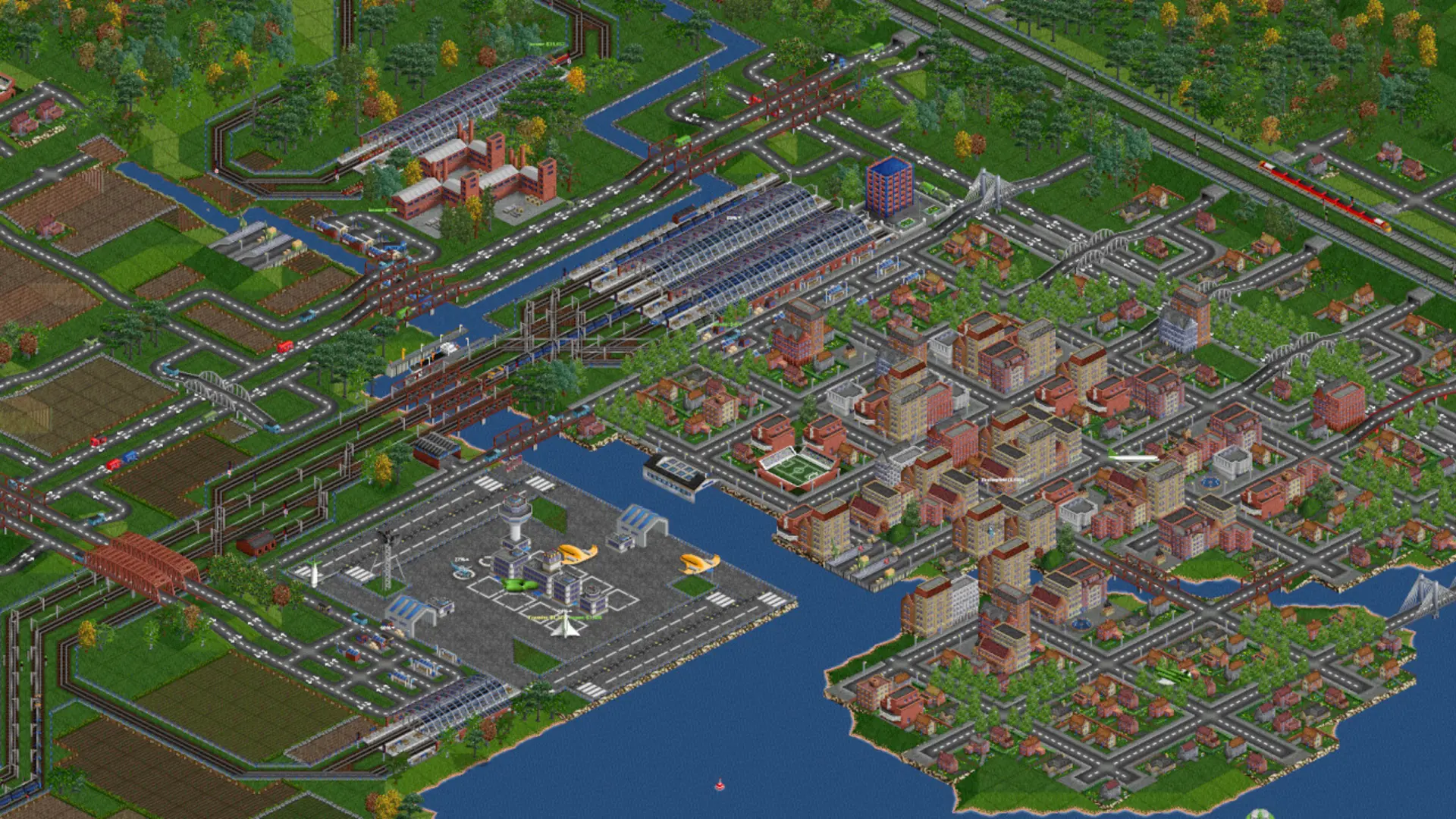
The map size is the width and height of a new map in tiles, from 64 to 4,096 each. The default is 256 by 256, good for a few players. Width and height don't have to match.
Changing The Map Size
- 1Log in to Bropanel and select your server.
- 2In the sidebar, go to
Settings. - 3Under
Gameplay, choose aMap Widthand aMap Height. - 4Click
Save & Restartto apply your changes.
Note
The map size only applies when a new map starts. To use it now, see Starting A New Map. Very large maps take longer to create and need more memory.